
Automate Deployments with CI/CD for Your CMS
CI/CD for CMS: Automate Deployment & Boost Performance
CI/CD for CMS is a powerful practice that automates how content management systems like WordPress and Drupal are developed, tested, and deployed. In this guide, you’ll learn how to set up a CI/CD pipeline, the benefits for CMS platforms, and which tools can make your deployment faster, safer, and error-free.
What is CI/CD?
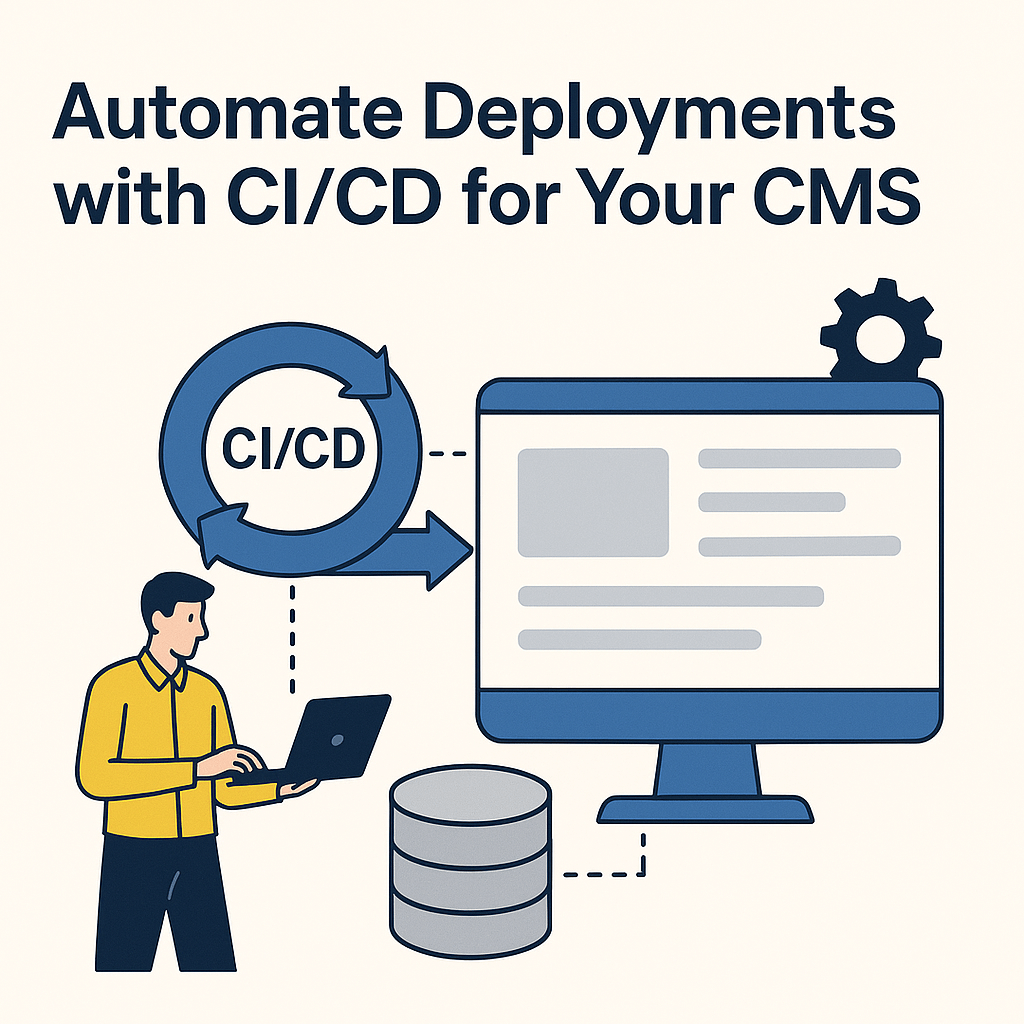
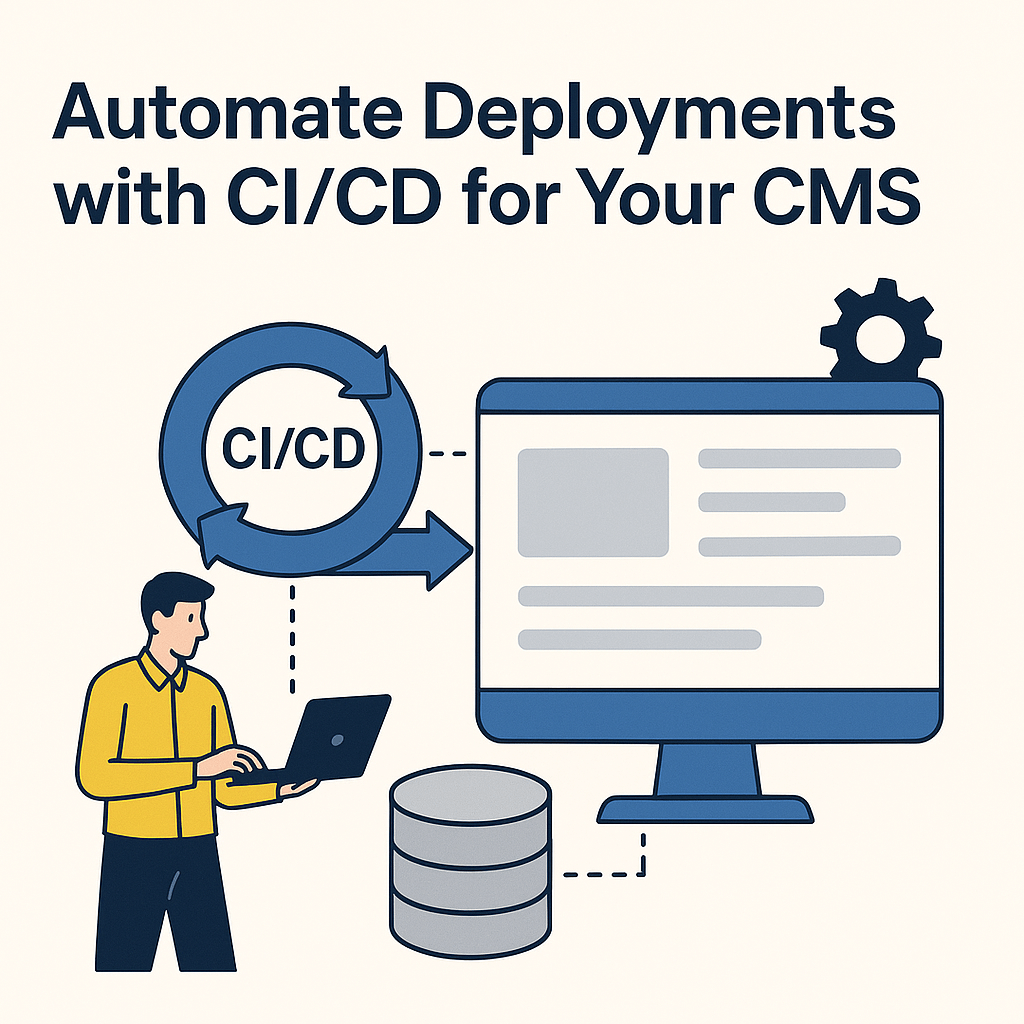
CI/CD stands for Continuous Integration and Continuous Delivery or Deployment. It automates the entire software lifecycle—from code commit to production deployment. With CI/CD, developers merge code into a central repository where automated builds and tests run to ensure everything works as expected.
Benefits of CI/CD for CMS
- Higher Quality Control: Automated testing ensures all code changes are verified before going live, reducing bugs and regressions.
- Faster Deployment Times: Code changes are tested and deployed quickly with minimal human intervention.
- Reduced Risk: Continuous testing detects issues early, and rollbacks are faster and safer.
Overview of Popular CMS
Choosing the right CMS is the foundation for a successful CI/CD setup. Popular CMS platforms include:
- WordPress: The most popular CMS for blogs and business sites.
- Joomla!: Great for complex content structures and multilingual sites.
- Drupal: Ideal for enterprise-grade websites and applications.
- Magento: Best for e-commerce platforms.
- Wix & Squarespace: Best for beginners and designers without coding skills.
Overview of Deployment Strategies
Common deployment strategies include:
- Manual Deployment: Simple but error-prone. Not scalable.
- Automated Deployment: Uses scripts or tools like GitHub Actions to deploy code efficiently.
- CI-Based Deployment: Integrates testing and deployment with every code commit for maximum reliability.
Setting up Automated Deployment & Integration
Steps to implement CI/CD in your CMS project:
- Use Git for version control.
- Choose a deployment strategy (Blue-Green, Rolling, Canary).
- Select CI/CD tools like Jenkins, GitHub Actions, or GitLab CI.
- Create a build pipeline with stages for linting, testing, building, and deploying.
Choosing the Right CI/CD Tools
Consider the following tools:
- GitHub Actions: Best for GitHub-hosted projects.
- GitLab CI/CD: Integrated with GitLab repos.
- Jenkins: Highly customizable but requires setup.
- CircleCI: Cloud-based, fast, and easy to use.
Choose tools that align with your budget, tech stack, and scalability needs.
Creating a Build Pipeline
A build pipeline ensures each deployment is consistent and reliable. A typical pipeline includes:
- Source code checkout
- Linting and static code analysis
- Automated tests (unit/integration)
- Build and package
- Deploy to staging/production
Debugging & Security Considerations
Debugging and security are critical in CI/CD. Use breakpoints and logs for debugging. For security:
- Use secure secrets management tools (like HashiCorp Vault).
- Implement Role-Based Access Control (RBAC).
- Use automated vulnerability scanners.
Testing & QA Practices
- Unit Testing: Test individual components.
- Integration Testing: Ensure components work together.
- Manual Testing: For UI/UX validation.
- Stress Testing: Test performance under load.
Strategies for Stress Testing & Load Times
- Simulate real user load using tools like Apache JMeter or k6.
- Automate load testing in your CI pipeline.
- Test across mobile and desktop platforms.
- Monitor load time KPIs and optimize bottlenecks.
Observability & Performance Monitoring
Use tools like New Relic, Datadog, or Prometheus to:
- Track error rates and response times.
- Set up alerts for failures.
- Gain real-time insights into system health.
Frequently Asked Questions
What is CI/CD in CMS?
CI/CD in CMS automates testing and deployment, ensuring code updates are fast, reliable, and error-free.
Which CMS platforms support CI/CD?
CMS platforms like WordPress, Drupal, Joomla, and Magento can be configured to support CI/CD with the right tools and pipelines.
What are the best CI/CD tools for CMS projects?
Popular tools include GitHub Actions, GitLab CI/CD, Jenkins, and CircleCI. Your choice depends on your tech stack and deployment needs.
Looking to compare platforms? Check our best CMS platforms comparison guide.
Learn more in the official CircleCI documentation.

Related Reading
Planning a content platform?
Headless, traditional, or custom — we help teams pick and build the CMS architecture that fits how they actually work.
CMS strategy, architecture, and implementation.
Discuss your CMSA technical conversation, not a sales pitch.