
Discover Strategies for Designing Multilingual CMS Architectures
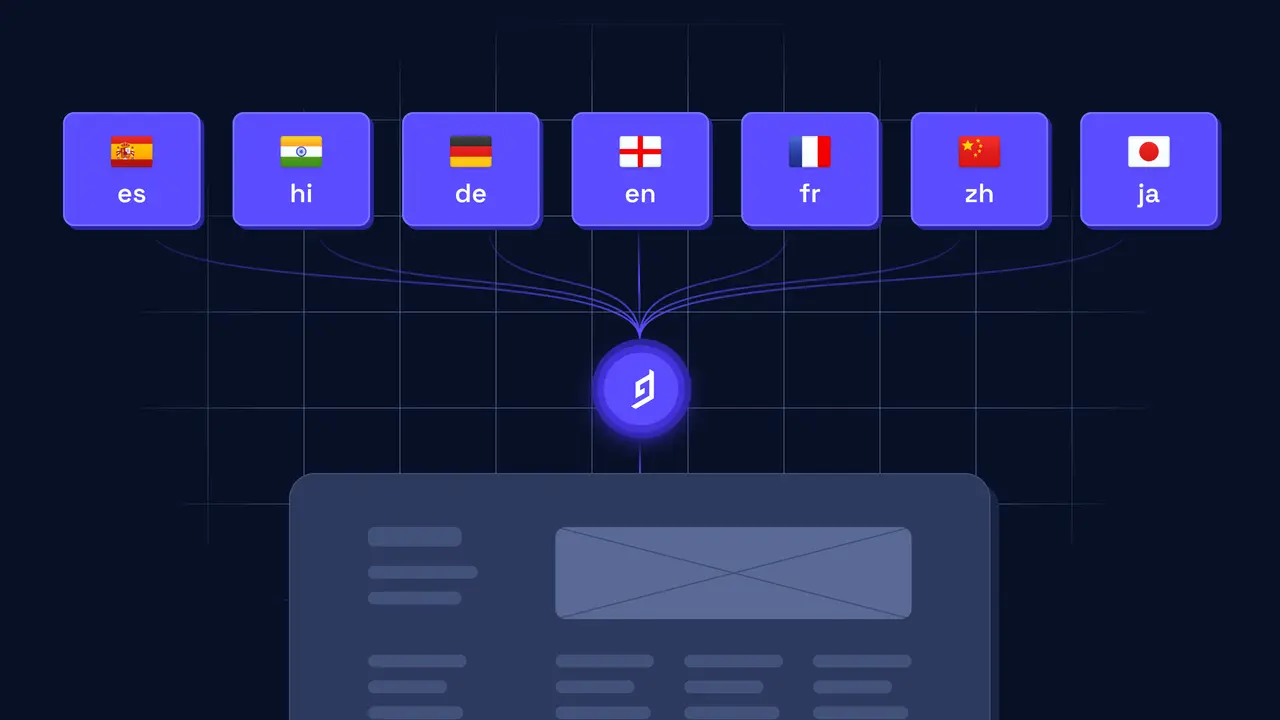
What are Multilingual CMS Architectures?
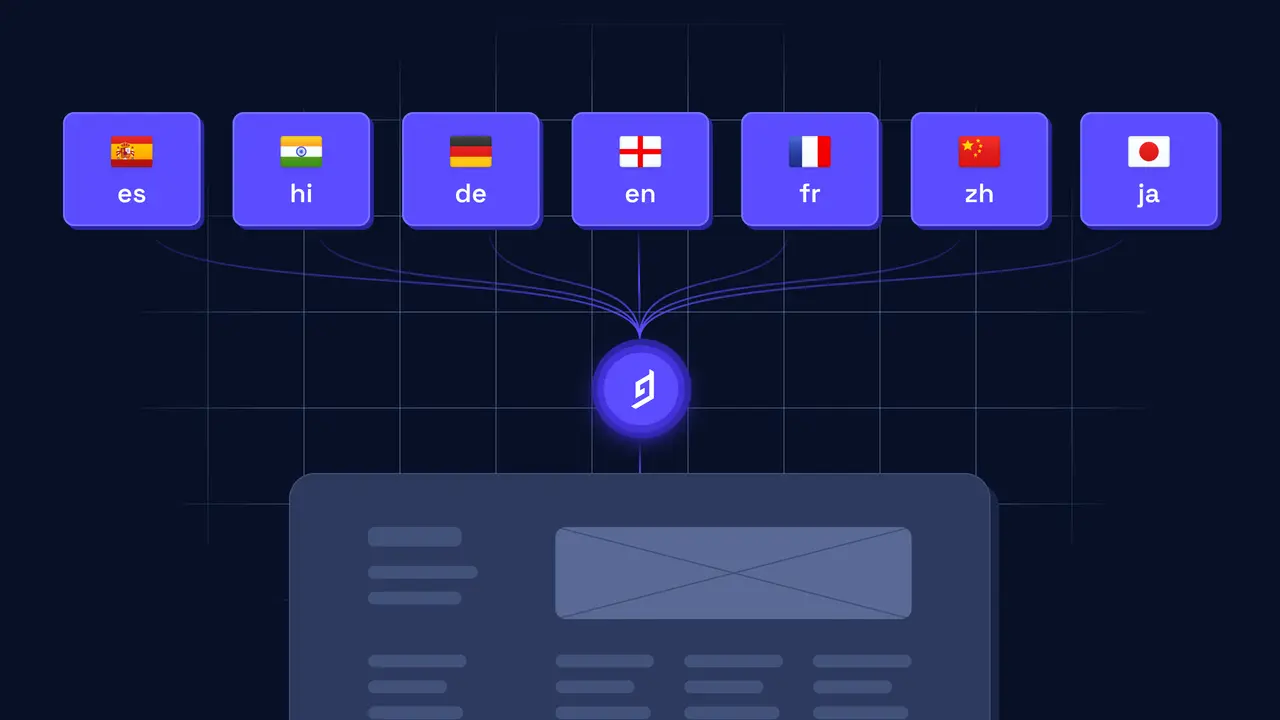
Multilingual Content Management Systems (CMS) are software architectures designed to support websites, applications, and online platforms in multiple languages. These systems enable businesses to operate across language borders with minimal effort and cost.
By streamlining content translation and localization, multilingual CMS architectures reduce the need for expensive updates. They also minimize the workload associated with producing regional content, allowing brands to expand into global markets more efficiently.
Why are Multilingual CMS Architectures Important?
In today’s global digital landscape, multilingual CMS architectures play a vital role. They allow websites and applications to serve content in various languages, increasing their reach and improving user experience.
When users can view content in their native language, they are more likely to understand, engage, and convert. Instead of relying on inaccurate machine translations, they access clear and relevant content tailored to their needs.
For businesses targeting international audiences, this is a major advantage. Offering localized versions of your product or service enhances credibility, expands market access, and reduces the cost of creating separate websites for each region.
Moreover, multilingual CMS solutions streamline content creation and management. Teams can work in a centralized environment, reducing duplicated efforts and ensuring consistency across languages.
Localization
Localization is a cornerstone of multilingual CMS architecture. It goes beyond translation by adapting content to suit different cultural, linguistic, and geographical contexts.
To localize effectively, start by adjusting language, grammar, and spelling based on regional norms. Pay close attention to cultural references and nuances, as they influence how your message is received.
Design also plays a role. Text alignment may need to switch from left-to-right to right-to-left for certain languages. Additionally, image sizes and resolutions might require modification to maintain visual quality and relevance.
Some languages, such as Chinese or Japanese, involve unique scripts. Your CMS must support these characters properly to ensure correct rendering across devices and browsers.
Beyond content, localization includes technical elements. External links, payment gateways, and third-party integrations should also be tailored to regional requirements. For example, customers in different countries may need specific payment options or localized checkout processes.
In conclusion, localization ensures that your content is culturally appropriate, easy to read, and technically compatible across languages. It improves user engagement and supports long-term international growth.
Implementing Localization in a Multilingual CMS Architecture
When setting up a multilingual CMS architecture, you must decide how to implement localization effectively. Localization means adapting a product or service to meet the needs of a specific language, culture, or region.
Typically, this involves translating content into various languages and adjusting technical aspects to match each locale.
There are three primary approaches to localization. The first is maintaining separate content repositories for each language. This allows for thorough review and control before publishing and helps ensure high-quality translations.
The second option is using a single repository that contains multiple language versions of the same content. This method is faster and more cost-effective since updates are made once. However, it may result in inconsistencies if translations are not carefully managed.
The third approach involves automated translation systems. These systems use machine learning to translate content quickly and improve accuracy over time. While this method is convenient and budget-friendly, it carries the risk of translation errors.
Ultimately, your approach should align with your project’s goals, budget, and content complexity. Each method has strengths and weaknesses, so careful evaluation is essential.
Advantages and Disadvantages of Each Localization Option
Each localization strategy offers distinct advantages and drawbacks. Understanding these will help you select the best fit for your multilingual CMS architecture.
The simplest method is duplicating content for each language. This allows for customization and fine-tuning, creating a tailored experience for each audience. However, it is resource-intensive. Maintaining multiple content sets can be expensive and time-consuming, particularly for large-scale projects.
Machine translation, on the other hand, enables quick content deployment. It’s a good choice for translating small volumes or updating content rapidly. Nevertheless, quality can vary. Automated systems may produce inaccuracies, which can hurt user trust.
A hybrid approach combines manual and machine translation. This method balances speed and quality, allowing human editors to refine automated translations. While it offers better results, it also requires more coordination and may increase costs.
Before choosing a localization strategy, consider the available resources, project size, and required translation quality. The ideal option depends on your specific needs and audience expectations.
Setting up Different Languages in a Multilingual CMS Architecture
Configuring multiple languages in a multilingual CMS requires strategic planning. Language setup can be complex, especially when scaling to global audiences.
The first step is identifying which languages to support. This decision should reflect your business goals and regional audience. Once selected, determine how to manage language-specific content in your CMS.
For small websites, separate databases for each language might work. However, this model becomes inefficient as the project grows. Large websites typically benefit from a centralized database that stores all language versions together.
There are several ways to structure multilingual data in a single database. One option is adding a language code field to each content entry. Another is using language-specific fields, such as title_en or title_fr. You can also organize languages into separate tables or collections.
Once your database is configured, the next step is localizing the user interface. Labels, buttons, and other elements must be translated into each supported language. Most CMS platforms offer tools or plugins to streamline this process.
Ongoing maintenance is also crucial. Translations must be kept current and consistent. Some CMS systems allow previewing edits in multiple languages, while others require manual updates. Whichever method you use, create a workflow to regularly audit and refresh content.
Identifying Suitable Third-Party Hosting Options for Managing Multiple Languages
Managing multilingual content can be challenging, but third-party hosting providers can simplify the process. These providers offer server space, software, and services tailored for hosting and managing multilingual CMS platforms.
Many hosting services include built-in tools for managing content in multiple languages. Some even offer translation memory features, which let you store translations for reuse in future updates.
When selecting a hosting provider, choose one that supports all your required languages. Make sure they offer strong security and high reliability, especially if your site handles sensitive or personal data.
Evaluate each provider’s pricing and customer support. Some offer multilingual-specific plans with advanced features and extra resources. Others may charge less but offer fewer tools or limited support.
By choosing the right hosting partner, you can streamline multilingual content management, reduce costs, and ensure a secure, scalable experience for your international users.
Managing the Complexity of Translation in a Multilingual CMS Architecture
Translating content into multiple languages can be complex. A well-planned approach can help reduce errors and improve content quality across all versions.
Start by creating a detailed translation plan early in the project. Identify supported languages, outline how they will appear on the site, and define how translations will be stored and managed. Don’t forget to include a quality control process that involves professional translators or native speakers.
Use available tools to simplify the process. Translation memory systems, machine translation, and language specialists can all help reduce manual work and improve consistency. Outsourcing to translation services can also cut costs and speed up delivery.
Track your progress by using a content management system or project tracker. Monitor how far each translation has progressed, what revisions are needed, and who is responsible for each step. Keep communication open between teams to avoid delays.
With proper planning and the right tools, you can manage multilingual translations more effectively and deliver a seamless user experience in every language.
Understanding Local Adaptations
Local adaptation goes beyond translation. Different regions may require custom features, technical adjustments, or compliance with local laws and cultural norms.
For example, if you are targeting French users, you’ll need not only French content but also local payment options, customer service contacts, and region-specific legal disclaimers.
To prepare, research each market’s expectations. Understand local customs, regulations, and any updates that may affect how your service is presented. Keep your content and features up to date to avoid becoming irrelevant or non-compliant.
Don’t overlook technical requirements. You may need to host content locally or deliver region-specific software versions. Evaluate local infrastructure, available technology, and content delivery regulations to avoid roadblocks.
Proper local adaptation ensures your product meets local expectations, builds trust with users, and improves performance in regional markets.
Ensuring Translations Remain in Sync
Consistency is critical in multilingual CMS architectures. When content changes, all language versions must be updated together to avoid confusion or outdated information.
- Create a clear workflow: Assign a person or team to manage translation updates. Define how updates are approved and rolled out across languages.
- Use automation: Tools can automatically detect changes and flag translations for update. Automation saves time and reduces human error.
- Implement version control: A version control system keeps track of content edits across all languages. This ensures accuracy and allows easy rollback if needed.
- Leverage translation tools: Use machine translation and translation memory systems to maintain speed and consistency. Be sure to review machine output for accuracy.
These strategies help maintain a consistent, high-quality user experience across all language versions of your site.
Understanding International SEO for Multilingual CMS Architectures
International SEO helps your content rank in search engines across different countries and languages. It’s essential when serving global audiences.
Start by setting the correct lang and country codes in your HTML headers. This tells search engines which language and region your content targets.
Use hreflang tags to link each language version of a page. This improves indexing and helps users see the right version in their local search results.
Structure URLs appropriately. Use subdirectories (like /fr/), subdomains (like fr.example.com), or country-code domains (like example.fr) to clearly define language and location.
Optimize metadata, including page titles and meta descriptions, in each language. Avoid machine translations for SEO-critical content.
Build backlinks from local websites and create social media profiles in each region. These steps improve local authority and visibility.
Use analytics tools to track performance by region and language. Monitor rankings, bounce rates, and conversion rates to refine your strategy.
International SEO ensures your multilingual site is discoverable, relevant, and optimized for search users around the world.
Best Practices and Tips for Developing Multilingual CMS Architectures
Developing a multilingual CMS requires a strategic approach. Following best practices ensures scalability, maintainability, and user satisfaction.
- Plan language support early: Identify which languages and regions you need to support. Early planning helps you choose the right CMS and structure from the start.
- Use a flexible CMS platform: Select a CMS that supports multilingual capabilities natively or through trusted plugins. Good options include WordPress with WPML, Drupal, Contentful, and Strapi.
- Separate content from code: Keep text content in databases or APIs rather than hardcoding. This makes translation and updates easier and more efficient.
- Implement user-friendly language switchers: Let users easily switch between languages. Use cookies or sessions to remember their preferences.
- Automate translation workflows: Use translation management systems (TMS) like Smartling, Lokalise, or Phrase. These tools improve consistency and save time.
- Use consistent language codes: Standardized codes like
en-USorfr-FRhelp prevent misconfigurations and make content management easier. - Test thoroughly: Regularly test RTL (right-to-left) layouts, translations, and integrations in each language to ensure proper functionality.
- Monitor performance: Track how each language version performs. Review analytics, check translation accuracy, and update content based on audience needs.
By applying these best practices, you’ll create a multilingual CMS that is scalable, easy to manage, and delivers a consistent user experience across global markets.
Conclusion: Summarizing Information and Further Action
Building a multilingual CMS architecture involves more than just translating content. It requires planning, localization, SEO, translation workflows, and ongoing management to meet global demands.
This guide explored key topics such as multilingual CMS fundamentals, localization strategies, implementation methods, translation tools, SEO, and cultural adaptations. Each section offers essential insights for creating an effective multilingual experience.
As you expand into international markets, delivering native-language content builds trust, improves engagement, and boosts conversions. A well-designed multilingual CMS helps your brand grow across borders.
To get started, identify your target markets, choose a CMS with strong multilingual features, set up efficient workflows, and involve language experts. With the right tools and structure, you can provide outstanding multilingual experiences at scale.
Related Reading
- Designing Scalable & Resilient CMS Architectures: What You Need to Know
- Discover the Pros and Cons of Decoupled vs Traditional CMS
- Leverage Data for Insights: Discover CMS Analytics and Reporting
Planning a content platform?
Headless, traditional, or custom — we help teams pick and build the CMS architecture that fits how they actually work.
CMS strategy, architecture, and implementation.
Discuss your CMSA technical conversation, not a sales pitch.