
Increase Inclusivity and Accessibility

Ensure Everyone Can Access Your Content: Increase Inclusivity and Accessibility
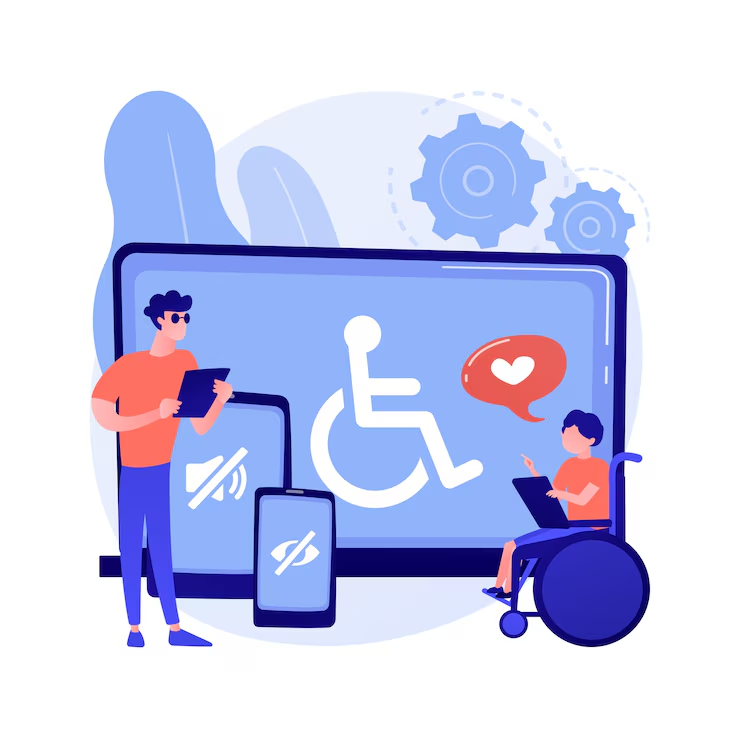
Content accessibility refers to how content is made available to users with disabilities or other special needs. It involves making sure all users can easily access, understand, and interact with web content, regardless of physical, cognitive, language, cultural, or technological barriers. This includes supporting assistive technologies like screen readers, keyboard-only interfaces, and voice recognition tools.
Creating accessible content ensures an inclusive experience for everyone. It also helps meet minimum accessibility standards, such as those outlined by the Americans with Disabilities Act (ADA). Since not all users have access to the same technologies, making content available in multiple formats is essential.
Accessible content must also be understandable and navigable by all. That means using clear language, enough white space, and simple structure. Headings, links, and images should make sense to all users, including those using assistive devices.
When designing content, consider how it’s used by all audiences. Ensure font sizes are readable, provide subtitles for videos, and keep formatting consistent to support users with cognitive challenges or those relying on assistive tech.
Taking a thoughtful approach to accessibility not only ensures compliance but also expands your content’s reach to a broader, more diverse audience.
Definition of Terms Related to Content Accessibility
Understanding key terms is crucial when creating accessible content. Below are common terms you should know:
ADA (Americans with Disabilities Act) for Increase Inclusivity and Accessibility
The ADA is a U.S. civil rights law passed in 1990 that prohibits discrimination against individuals with disabilities. It requires public services and accommodations, including websites, to offer equal access.
WCAG (Web Content Accessibility Guidelines)
Created by the W3C, WCAG provides global standards for making web content accessible to users with various disabilities. It covers visual, auditory, cognitive, and motor impairments.
ALT Text
Alt text, or alternative text, is a written description of an image that helps visually impaired users understand image content through screen readers.
ARIA (Accessible Rich Internet Applications)
ARIA is a W3C standard that improves the accessibility of dynamic content and complex user interface elements developed with JavaScript, HTML, and related technologies.
Labels and Descriptions
Labels identify elements such as form inputs or buttons. Descriptions provide more context. Both are important for screen readers and users with disabilities.
Legal Considerations – ADA and Other Guidelines for Increase Inclusivity and Accessibility
Several laws regulate digital accessibility. The ADA mandates accessibility for public-facing digital content. Section 508 applies to U.S. federal websites or any site interacting with federal agencies.
WCAG offers a more comprehensive framework, built around four principles: Perceivable, Operable, Understandable, and Robust. Each principle has specific criteria to guide accessible content creation.
In Europe, the European Accessibility Act sets similar standards. Understanding the legal landscape is essential to avoid fines and ensure compliance. When in doubt, consult a legal or accessibility expert.
Creating Accessible Content: Best Practices
Creating accessible content involves more than compliance—it’s about inclusivity. Follow these best practices:
Alternative Text for Images
Alt text describes image content for users who can’t see it. Keep descriptions short and meaningful. Decorative images should be labeled as such. Avoid redundant phrases like “image of.”
Headings and Structured Content
Use descriptive headings to organize content. Only one <h1> should appear per page. Subheadings (like <h2> to <h6>) should follow a logical order. Structure improves navigation, especially for screen reader users.
Text Formatting
Break text into short paragraphs. Use bold or italic styles to emphasize key ideas. Use lists and tables where helpful. This makes content more scannable and accessible to assistive technologies.
Color Contrasts
Ensure a high contrast between text and background. Follow WCAG minimum contrast ratios (4.5:1 for regular text, 3:1 for large/bold text). Use tools like Color Contrast Checker to validate choices.
Audio and Video Accessibility
Add captions to videos and transcripts to audio. Use clear visual descriptions when needed. Allow playback controls and adjustable video settings. These steps make multimedia content inclusive.
Interactive Content
Make forms, buttons, and other elements keyboard-accessible. Use clear labels. Avoid vague terms like “click here.” Provide audio cues with captions or transcripts. Ensure compatibility across devices.
Testing Your Content for Accessibility Compliance
Test content regularly using both manual and automated methods. Read through your content and look for issues like complex language or poor formatting. Use tools like WAVE or Axe for automated scans.
You can also invite users with disabilities to test your site. This provides real-world feedback and helps you spot issues that automated tools might miss.
Conclusion – Summary of Content Accessibility
Accessible content ensures that everyone—regardless of ability—can benefit from your website. This includes using structured layouts, alt text, proper contrast, multimedia support, and accessible interactive elements.
Follow WCAG and ADA guidelines to create inclusive content. Regular testing helps catch and fix issues before they affect users. By prioritizing accessibility, you improve usability, expand your audience, and meet legal standards.
Related Reading
Planning your next build?
From database choices to cloud architecture, we help teams make the technical decisions they won't regret in a year.
Architecture reviews, development, and modernization.
Discuss your projectA technical conversation, not a sales pitch.