
Make Content Migration Strategy
What is Content Migration?
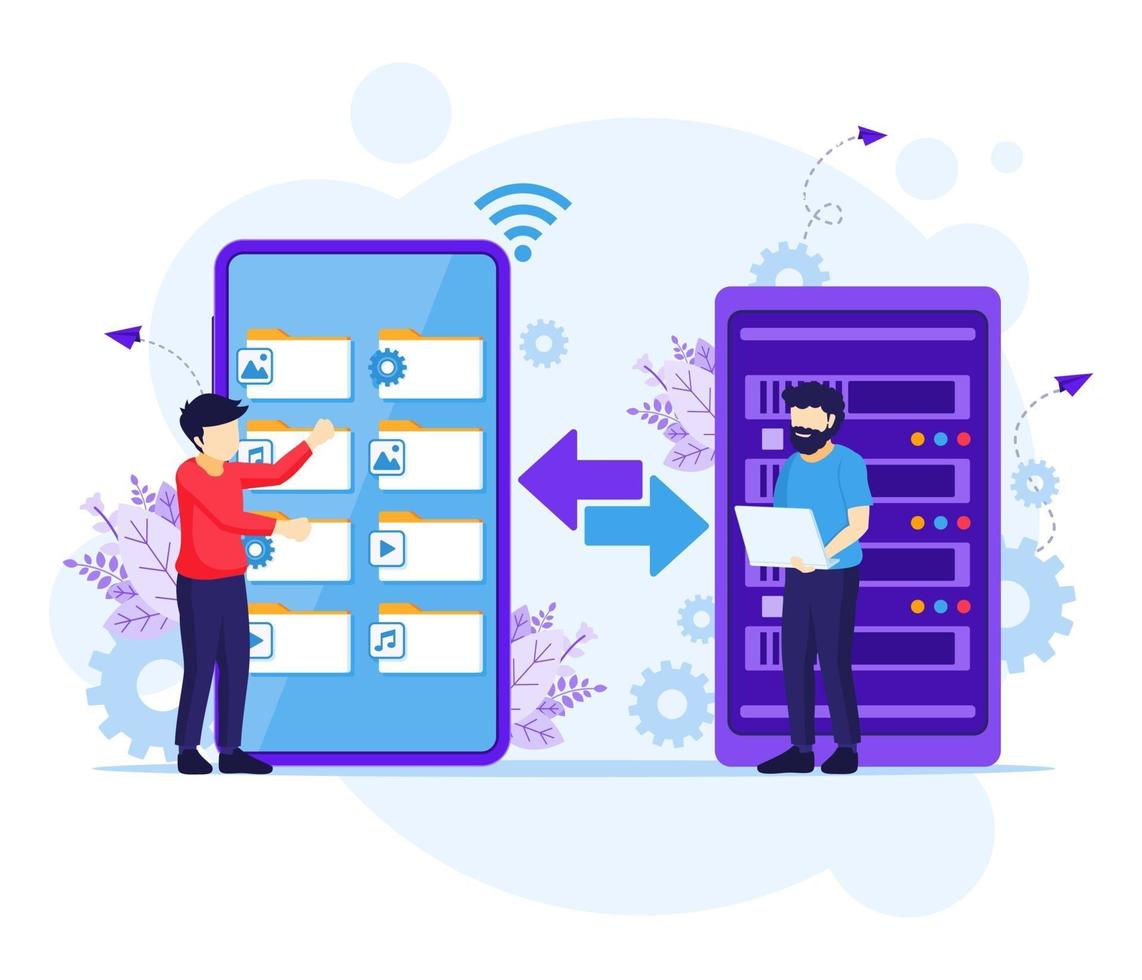
Content migration is the process of moving digital assets—such as documents, images, code, or website pages—from one system or format to another. It typically happens when companies upgrade their CMS or platform.
This transition requires understanding your existing content and adapting it for the new system. Thus, successful migration needs both planning and precision.
You might need content migration when redesigning your site, merging platforms, or switching CMSs. It is critical to maintain performance and functionality throughout the move.
To reduce risk, involve people who know both your current and new systems. Also, set up backups before starting.
Investing in content migration helps keep your assets secure, structured, and up to date. Otherwise, data loss or performance issues may occur.
Must‑Have Pre‑Planning Prior to Content Migration
Planning is key to successful content migration. First, audit your existing content. Then, decide what to transfer to the new CMS.
Next, evaluate the formats and technologies involved. Knowing both the source and target structures avoids surprises later.
Decide ahead of time whether to reorganize content, update SEO, or change layouts. These adjustments should be mapped before migration starts.
Identify both tools and people needed for the work—developers, testers, administrators, and appropriate software.
Always create a secure backup of all content before proceeding.
A proper plan reduces risks and lays the groundwork for a smooth migration.
Establishing a Structured Design for Content Migration
Without a clear structure, content migration can cause chaos. So, establish a design framework before starting the move.
Steps to Create a Structured Design:
- Inventory all existing content.
- Classify items and plan how to map them into the new CMS.
- Define new content structure and workflows.
- Set rules to keep, update, or archive content.
- Detail each migration step in sequence.
- Identify possible pitfalls early.
This structured plan ensures data stays organized and transitions smoothly.
Content Migration Techniques
Choose techniques that suit your migration needs. Using multiple methods can improve outcomes.
Reverse‑Engineering
Analyze current CMS architecture to guide the new system design.
Structural Replication
Recreate folder structures and navigation manually in the new CMS.
Data Mining
Extract metadata—like titles, tags, and categories—for reuse.
API Integration
Transfer blog posts, comments, or user data via APIs.
Content Import/Export
Use CSV or other bulk format to migrate large data sets.
Research on Best Migration Practices
Drive your content migration with solid research. Study effective case studies and tools that support your plan.
Start by auditing formats, tools, and potential compatibility issues. Then assess automation vs. manual migration options.
Review real migration examples, evaluate costs, risks, and long‑term benefits. Choose what best fits your needs.
Diagnosing the Status of Existing Content and Mapping Changes
Assess your content thoroughly before migrating. Review its quality, location, format, and context.
Mapping Checklist:
- Group content by type.
- Check accuracy and relevance.
- Document storage locations.
- Highlight items needing revision.
- Evaluate user navigation and experience.
With this mapping, you’ll minimize errors and improve usability post-migration.
Minimizing Work During Migration
Reduce manual effort by backing up all assets—like database files, media, templates—before migrating.
Use automated tools where possible. Choose ones compatible with your CMS and content formats.
Leverage CMS features like clone and export/import to lighten the workload.
If needed, adjust formatting to suit the new system’s layout and style.
Determining Tools and Development Resources
Select tools that support extraction, data transformation, and content import. Validate compatibility with your CMS.
Consider internal and external staffing needs—developers, database admins, content specialists, or consultants.
Sufficient tools and expertise ensure a successful migration process.
Writing Migration Plans and Scripts
Your migration plan should be clear, actionable, and practical. Define tools, tasks, timelines, and responsibilities.
What to Include:
- Tools selected for extraction/loading.
- Defined content structures and types.
- A migration timeline with deadlines.
- Roles for manual vs. automated tasks.
- Documented steps and expected outcomes.
This clarity helps your team stay aligned and complete the migration smoothly.
Making Adjustments When Content is Migrated
After migration, review content carefully. Fix link errors, adjust formatting, and review navigation.
Check page layouts, CSS, and styles for consistency. Update broken or outdated URLs manually or using tools.
Proofread content for typos or grammar issues introduced during the transit.
Testing Your Content Migration
Testing ensures quality. Compare migrated content with original assets. Confirm images, metadata, and links function properly.
Test content rendering on different browsers and devices. Also assess page load times and responsiveness.
Run a trial migration if possible. This helps catch issues before going live.
Creating a Repository and Backup System After Content Migration
After completing the migration, implement a dependable backup and repository system.
Implementation Checklist:
- Select version-controlled repository software.
- Store encrypted backups offsite.
- Test restore processes regularly.
- Train your team on usage protocols.
- Schedule automatic backups at regular intervals.
This system protects your content and ensures easy recovery from any issue.
Related Reading
- Engage and Inspire - Content Strategy for Brand Storytelling
- Make your Content Mobile Ready: Strategies and Tactics
- Master CMS Transitions: Strategies for Content Migration
Planning a content platform?
Headless, traditional, or custom — we help teams pick and build the CMS architecture that fits how they actually work.
CMS strategy, architecture, and implementation.
Discuss your CMSA technical conversation, not a sales pitch.