
Migrating Objective-C to React Native with AI: A Real Project, Real Timeline
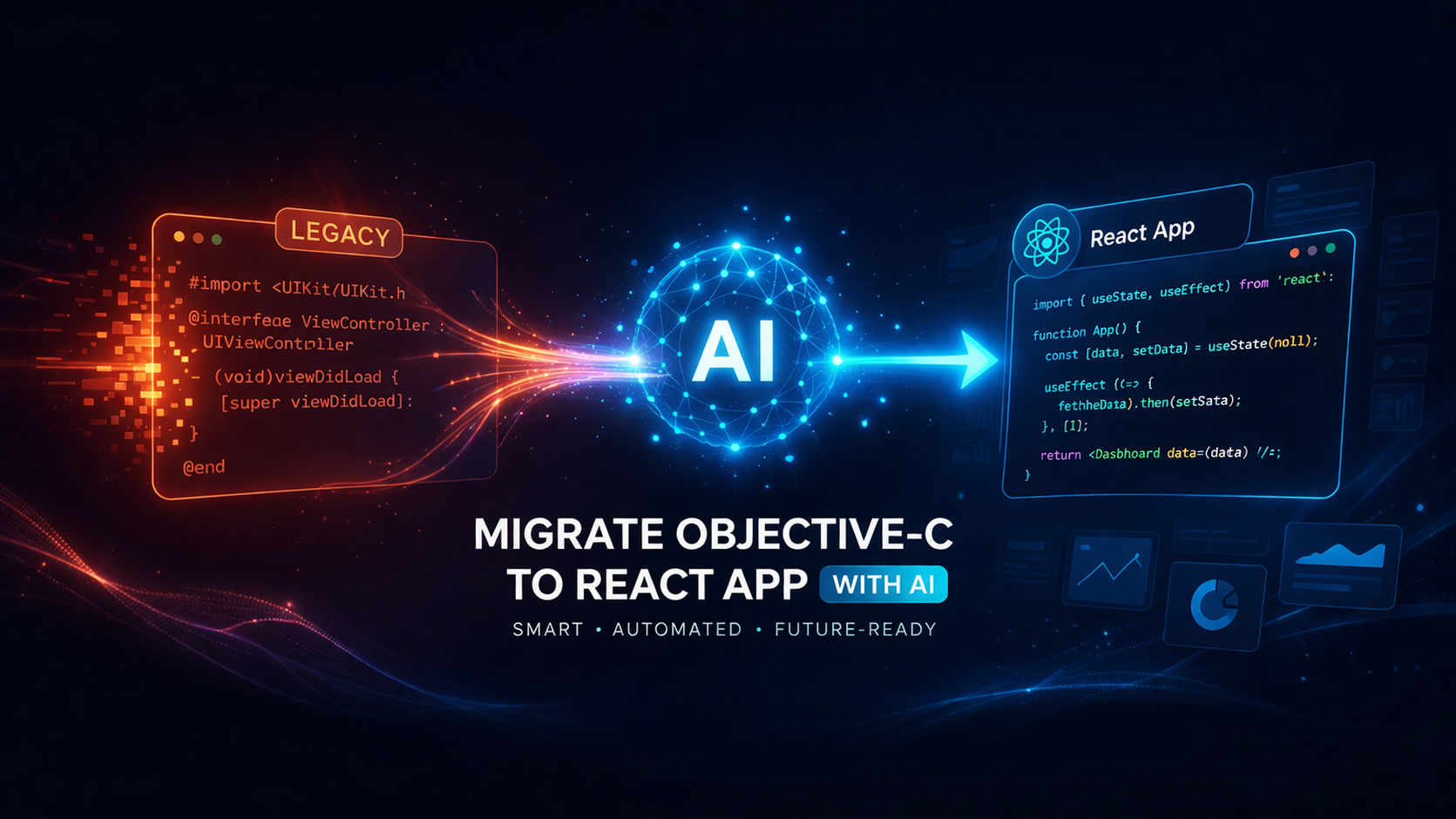
The problem with Objective-C apps in 2025
Objective-C was the language of iOS development for over two decades. A massive number of production apps were built in it. Many of those apps are still running.
The problem is not that the code is bad. The problem is what surrounds it. Apple has been moving steadily toward Swift since 2014. The tooling, the documentation, the community energy, and most importantly the developer pool have all shifted. Finding an engineer who writes Objective-C fluently is harder every year. Finding one who also understands your app’s architecture and business logic is harder still.
The second problem is the library ecosystem. Many third-party libraries that Objective-C apps depended on are no longer maintained. They work until they don’t. And when they stop, you’re usually looking at a platform upgrade, an Xcode update, or an iOS version that finally breaks something that was already fragile.
That combination, shrinking developer availability and a degrading dependency ecosystem, is what forces the migration conversation. Not ambition. Necessity.
Why React Native specifically
When the goal is longevity and cross-platform reach, React Native is the most practical target for most mid-sized iOS apps. The reasons are straightforward:
It gives you a single codebase that runs on both iOS and Android. For organizations that had only built iOS, this is a significant unlock without a full rewrite per platform.
The JavaScript and TypeScript ecosystem is large, actively maintained, and well-understood by a wide pool of engineers. You’re not dependent on a narrow skill set.
React Native’s performance story has genuinely improved. The New Architecture, now the default from version 0.76 onward, replaced the old asynchronous bridge with JSI (JavaScript Interface), which enables direct, synchronous communication between JavaScript and native code. The gap between native and React Native in terms of performance is smaller than most people assume based on older benchmarks.
For apps that are mid-sized, workflow-driven, and not doing intensive real-time rendering, React Native is a sound choice.
What makes this migration hard without AI
The challenge with migrating an Objective-C app to React Native is not the language translation in isolation. It’s everything else:
Objective-C code mixes concerns in ways that modern frameworks discourage. Business logic ends up in view controllers. Data access happens inside UI components. There is rarely a clean separation between what the app does and how it presents it.
Deprecated third-party libraries need to be replaced, not just updated. You have to find React Native equivalents that match the original behavior, and then validate that the behavior actually matches. For specialized components like biometric authentication, signature capture, or document handling, the replacement decision itself takes significant research.
Without tests, which most Objective-C apps of this era don’t have, you have no systematic way to confirm that the migration preserved the original behavior. Every screen, every form, every workflow has to be manually verified.
And documentation rarely exists. The logic is in the code, in the heads of people who built it, or in neither.
AI doesn’t make these problems disappear. But it changes how long each of them takes.
Looking at an Objective-C to React Native migration?
We help teams assess deprecated dependencies, app structure, and the safest path to a cross-platform rebuild.
Useful before you lock scope and timeline.
Discuss the migrationFocused on technical feasibility and rollout risk.
The case study: appointment management and e-form workflows
This is a real project we completed for a healthcare technology customer.
The application handled appointment scheduling and electronic form workflows for clinical operations. It was built entirely in Objective-C, iOS-only, and had been running in production for several years. It was a mid-sized app with real depth: multiple screens, complex form flows, state management across sessions, and integrations with backend services.
The third-party library situation had become a genuine problem. The face recognition component, used for patient identity verification, was deprecated and incompatible with newer iOS versions. The signature capture library had similar issues. Keeping the app functional on updated devices required increasingly hacky workarounds.
The original estimate for a traditional migration, done step by step with manual analysis and rewriting, was five to eight months.
The actual migration, using Cursor AI throughout, was completed in approximately three months and pushed to production on both iOS and Android.
Here is what that actually looked like.
Phase 1: Understand what you’re migrating
Before writing a single line of React Native code, we needed a clear map of the existing application. This is the phase most teams rush, and it’s where the bulk of surprises get buried.
Using Cursor AI, we analyzed the existing Objective-C codebase systematically:
View controllers were mapped to understand which screens existed, what state each managed, and how navigation flowed between them. Objective-C view controllers tend to be large. Important logic is often buried inside lifecycle methods like viewDidLoad and event callbacks like IBAction handlers. AI surfaced this structure quickly rather than requiring manual reading of every file.
Third-party library dependencies were catalogued with their current status. For each deprecated library, we identified the React Native equivalent. For face recognition, we moved to react-native-vision-camera combined with a face detection library. For signature capture, react-native-signature-canvas was the clean replacement. Both required validation that the new components matched the original user experience and output format.
Data access patterns were traced. Where was the app calling the backend? What formats did it expect? Where was local state persisted? This shaped the React Native data layer before any components were built.
Business logic that lived inside view controllers was identified and flagged for extraction. This is the most critical step in any migration: separating what the app does from how it renders, because React Native’s component model requires that separation in a way that Objective-C’s UIKit pattern does not.
Phase 2: Rebuild with structured output from the start
With the analysis done, we used Cursor AI to generate the React Native scaffolding and component structure aligned to what we’d mapped.
This is where AI provides the most concrete time compression. The boilerplate for a React Native screen, connected to navigation, with TypeScript types, state management, and API calls wired up, takes meaningful time to write from scratch for every screen in an application. AI generates solid first drafts of this scaffolding quickly, allowing engineers to focus on the business logic and edge cases rather than structural code that follows predictable patterns.
The form workflows were the most complex part. The original Objective-C app had multi-step forms with conditional logic, validation rules, and intermediate state that needed to persist across sessions. We rebuilt these as structured React Native components with explicit state machines rather than ad-hoc local state, which resulted in more maintainable code than the original.
One outcome we had not explicitly planned for: the migration produced more organized, structured code than the original. Cursor AI, when given context about the target architecture, generates code that conforms to consistent patterns. The resulting React Native codebase had a predictable structure that any React Native engineer could navigate without needing institutional context.
Phase 3: Documentation alongside, not after
Documentation in legacy Objective-C apps is almost always missing or out of date. We generated documentation throughout the migration rather than treating it as a post-migration task.
This meant that by the time the app was ready for production, we had written documentation covering component responsibilities, API integration points, form workflow logic, and third-party library usage. This did not exist in the original codebase.
The customer now has documentation that reflects the system as it actually works. That sounds basic. In practice it is rare and valuable.
Phase 4: Tests that didn’t exist before
The original application had no automated test coverage. Migrating an app with zero tests is a high-risk exercise because there is no baseline to validate against.
We used Cursor AI to generate unit tests alongside the migration, covering business logic functions, form validation rules, and state transitions. These were then extended by the engineering team to cover edge cases identified during manual testing.
By production deployment, the React Native app had test coverage the original never had. This reduced deployment risk and gave the team a baseline for future development.
Phase 5: Hidden issues came to the surface
This was not part of the original plan, but it turned out to be one of the most valuable outcomes.
During the migration, issues that customers had been reporting intermittently became clearly visible. When you rebuild a system from a well-understood map rather than patching an existing one, problems that were hidden in the legacy code surface. In our case, several intermittent bugs related to form state handling and session persistence were identified and fixed as part of the migration.
The customer had known these issues existed. They had not been able to reliably reproduce or fix them in the Objective-C codebase. The migration resolved them as a side effect.
The result
The migration was completed in approximately three months and deployed to production on both iOS and Android. The original estimate for a traditional approach was five to eight months, and that was iOS only.
The production application:
- Runs on both iOS and Android from a single React Native codebase
- Uses maintained, supported library alternatives for face recognition and signature capture
- Has more structured, documented code than the original
- Has automated test coverage that did not exist before
- Has had several previously known bugs resolved
What Cursor AI specifically did in this project
It’s worth being specific about how Cursor AI was used, because “we used AI” covers a wide range of actual contributions.
Cursor AI was the primary code editor throughout the project. Its value in this migration came from a few specific behaviors:
It could hold significant context about the Objective-C codebase while generating React Native equivalents. When you ask it to rewrite a view controller’s business logic as a React Native component and service layer, it produces a first draft that already understands the shape of the problem rather than a generic template.
It accelerated repetitive structural work substantially. Every screen in a React Native app needs navigation wiring, TypeScript types, a component structure, and API integration. AI handles the predictable parts of this quickly, which frees engineers to focus on the decisions that actually require judgment.
It identified patterns and inconsistencies across the codebase during analysis. Objective-C apps that were built over several years often have inconsistent patterns because different developers made different decisions at different times. AI surfaces these inconsistencies explicitly.
It generated test scaffolding from existing logic. Given a function that validates a form field or calculates a state transition, Cursor AI generates the unit test structure covering the primary cases, which engineers then extend.
What it did not do: make architectural decisions, validate business rules with the customer, or replace the judgment calls that determined which library replacements were acceptable and which weren’t. Those remained human decisions throughout.
What to watch for
A few things that matter in any Objective-C to React Native migration, regardless of whether AI is involved:
Library replacement is the highest-risk step. For standard UI and navigation, React Native has strong, maintained equivalents. For specialized native capabilities, particularly anything touching biometrics, camera, signature capture, or device hardware, you need to validate that the replacement library actually matches the original behavior in production conditions, not just in a demo.
The data layer is usually more complex than it looks. Objective-C apps often persist data in ways that are tightly coupled to the app structure: NSUserDefaults, CoreData, or custom file storage patterns. The React Native equivalent needs to be chosen based on what the app actually does with that data, not just what format it’s currently stored in.
Parallel deployment matters. If the Objective-C app is in active use, you can’t simply replace it. Plan for a period where both versions are live, with a migration path for users. This is more operational than technical, but it needs to be planned before the migration starts.
Generated code still needs review. Cursor AI generates plausible code quickly. Plausible and correct are not the same thing. Every generated component needs engineering review, particularly for business logic and edge cases.
Need help scoping an Objective-C rebuild?
If your iOS app is getting harder to maintain, we can help you plan a practical React Native migration.
Library parity, phased rollout, and delivery risk.
Plan the rewriteUseful before the estimate turns into a rewrite spiral.
The shift in what’s possible
A migration that would have taken five to eight months traditionally was completed in three. Both iOS and Android. With better documentation, better test coverage, and cleaner code than the original.
That’s not a pitch. It’s what happened on a real project, with a real customer, using tools that are available now.
The constraint was never whether the migration was technically possible. Objective-C to React Native is a well-understood path. The constraint was always time and risk. AI compresses the time and reduces the risk by improving the analysis phase, accelerating the structural work, and generating test coverage that makes deployment less of a bet.
If you’re running an Objective-C application today with deprecated dependencies and a shrinking pool of people who understand it, the migration is worth taking seriously. The conditions that make it hard are the same ones that make staying put increasingly expensive.