
Objective-C to Swift: When Staying Native Is the Right Call
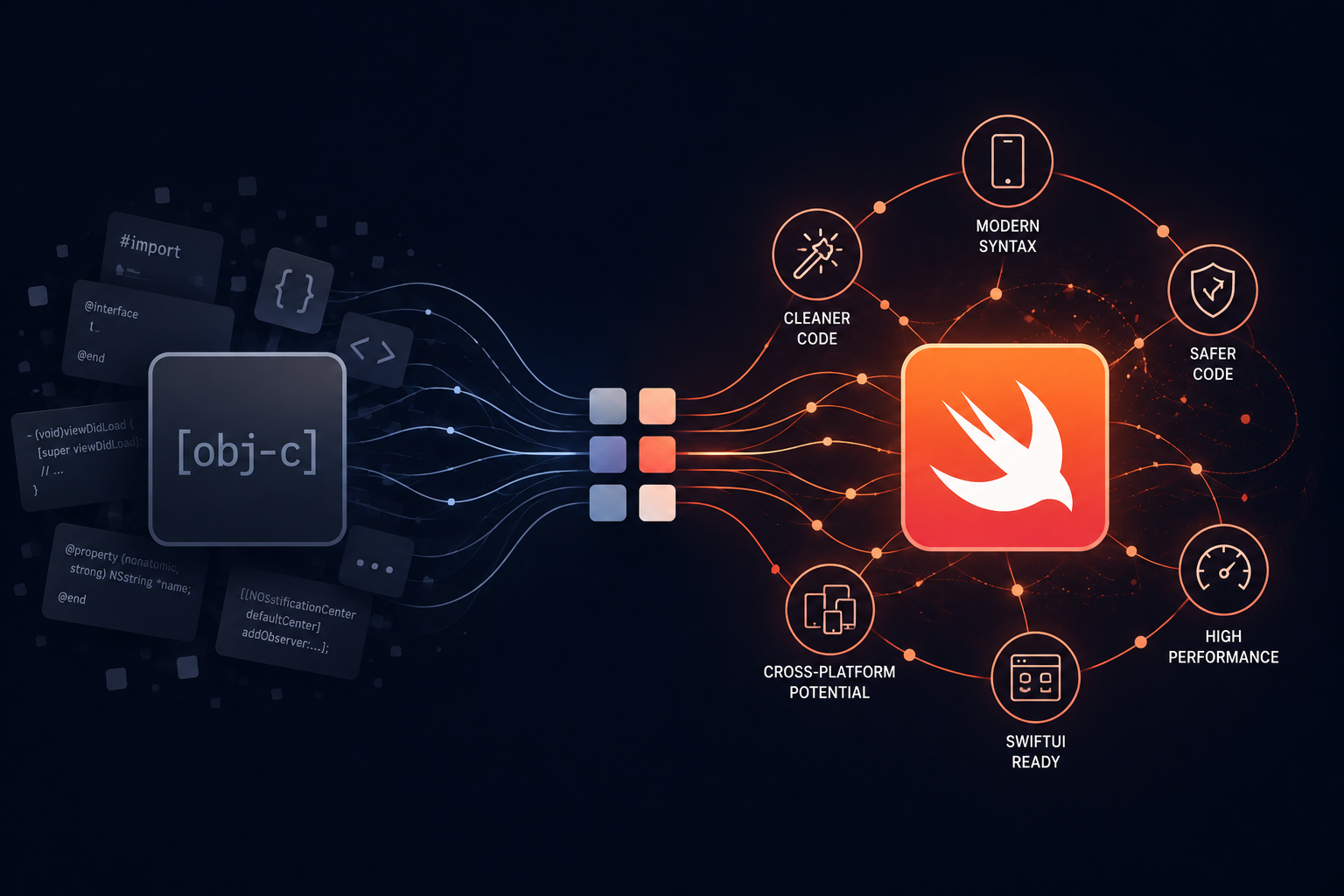
The decision before the migration
There is a default assumption in mobile modernization conversations that moving off Objective-C means moving to cross-platform. React Native, Flutter, something that gets you both platforms from one codebase. That assumption is often correct. It is not always correct.
For one of our clients, an appointment booking application used by field workers, the right answer was to migrate from Objective-C to Swift and stay native. This post is partly about how we did that, and partly about how to know when native is the right call rather than the reflexive one.
Getting this decision right matters more than the migration mechanics. A migration executed flawlessly toward the wrong target is still the wrong outcome.
Why this app was still in Objective-C, and why that became a problem
The application was built in Objective-C, which was the standard for iOS development for many years before Swift arrived. It worked well and served its users, field workers booking and managing appointments in the course of their daily work.
The problems were the standard ones that accumulate around an Objective-C codebase over time.
Dependencies were deprecating. Third-party libraries the app relied on were no longer maintained, and each iOS release introduced more friction with them. What worked cleanly a few years ago now required workarounds, and the workarounds were getting more fragile.
Each iOS update brought more friction. Apple’s platform moves forward continuously, and an Objective-C codebase built around older patterns falls progressively further behind the way the platform expects apps to be built. Keeping the app current became more work each cycle.
The developer pool was shrinking. Swift has been Apple’s primary language for years. New iOS developers learn Swift. Finding developers comfortable working in Objective-C, and willing to, gets harder every year. The app was becoming something only a narrowing group of people could maintain.
None of this was an emergency. It was the slow tightening that legacy systems produce, where nothing breaks dramatically but everything gets harder.
Why we chose Swift over React Native
This is the decision worth dwelling on, because it runs against the common default.
For many iOS apps, especially ones that also need Android, React Native is the right modernization target. It gives you both platforms from one codebase and a large, current talent pool. We have done exactly that migration for other clients and written about it.
For this app, native Swift was the better choice, for specific reasons.
The product is iOS-centered. The field workers using it are on iOS devices, and there was no meaningful requirement to serve Android from the same codebase. The single biggest advantage of React Native, one codebase for two platforms, did not apply here because the second platform was not a real need. Choosing React Native would have meant taking on the trade-offs of a cross-platform abstraction layer to solve a problem the client did not have.
The app benefits from native behavior. An appointment booking tool for field workers interacts with device capabilities and benefits from the responsiveness and platform-consistent behavior that native Swift provides directly. Staying native meant no abstraction layer between the app and the platform, which for this use case was an advantage rather than a cost.
Swift keeps them current within the ecosystem they are already in. The client’s product lives on iOS. Migrating to Swift modernizes the codebase fully while keeping it in the platform’s first-class language, which means the widest possible access to current iOS developers, the best alignment with Apple’s tooling and future direction, and no dependency on a cross-platform framework’s own roadmap and release cycle.
The honest framing is this: React Native earns its trade-offs when you need both platforms. When you genuinely only need iOS, native Swift gives you a modern, maintainable, fully current codebase without those trade-offs. Choosing cross-platform for a single-platform product is solving a problem you do not have.
What the migration involved
Migrating from Objective-C to Swift is a different kind of project than migrating to a cross-platform framework, and in some ways a more contained one because you stay within the same platform and its conventions.
The language modernization. Objective-C and Swift are both first-class iOS languages, but they are genuinely different. Swift’s type safety, optionals, and modern syntax change how code is structured, not just how it looks. The migration was a real rewrite into idiomatic Swift, not a mechanical line-by-line translation. Code that relied on Objective-C’s dynamic, loosely-typed patterns had to be restructured around Swift’s stricter, safer model. Done right, this is one of the main benefits of the migration: the resulting code is safer and less prone to the runtime errors that Objective-C’s flexibility allowed.
Replacing the dying dependencies. The deprecated third-party libraries were replaced with current, maintained equivalents, or with native iOS capabilities where the platform now provides what previously required a library. This removed the fragility that the old dependencies had introduced and reduced the app’s reliance on third-party code that might deprecate again.
Restructuring around current iOS patterns. Beyond the language, the migration brought the app’s architecture in line with how modern iOS apps are built. This is the difference between an app that is technically in Swift and an app that is actually modern. The codebase now follows patterns that current iOS developers recognize and expect, which is what makes it genuinely maintainable rather than just rewritten.
How AI assisted
AI assistance was valuable in the same phases it tends to be valuable across migrations, with one nuance specific to the Objective-C to Swift path.
In analysis, AI helped map the existing Objective-C codebase, identifying the structure, the dependencies, and where the app’s logic lived. This accelerated the understanding phase that precedes any rewrite.
In the rewrite, AI assisted in generating idiomatic Swift equivalents of Objective-C logic. The nuance here is that Objective-C to Swift translation is a domain where care is essential, because a naive translation produces Swift that still thinks like Objective-C: loosely typed, avoiding optionals, carrying forward patterns that Swift is specifically designed to improve on. AI generates a first draft quickly, but engineering review is essential to ensure the result is genuinely idiomatic Swift rather than Objective-C wearing Swift syntax. We used AI for speed and engineers for that judgment.
In testing, AI generated test scaffolding that engineers extended, giving the Swift codebase coverage that supported a confident deployment.
What the client got
The client kept what mattered to them and shed what was holding them back.
They kept the native experience their field workers relied on. The app their users know continued to work the way it worked, on the platform it was built for, without the disruption of moving to a different interaction model or framework.
They got a codebase current iOS developers can actually work in. The narrowing pool of Objective-C developers is no longer a constraint. Any competent iOS developer can now maintain and extend the app, because it is written in current, idiomatic Swift following patterns they already know.
They removed the dependency fragility. The deprecated libraries that caused friction with each iOS release are gone, replaced by maintained equivalents or native capabilities. The app is no longer accumulating risk with every platform update.
And they positioned the product for the future. A Swift codebase aligned with Apple’s direction is ready for what the platform does next, in a way an Objective-C codebase increasingly is not.
How to make this decision for your own app
If you are running an Objective-C app and weighing the migration, the platform question comes before the migration question.
Choose native Swift when your product is genuinely iOS-centered, when you benefit from native behavior and platform-consistent responsiveness, and when serving Android from the same codebase is not a real requirement. In that situation, Swift gives you a fully modern codebase without the trade-offs of a cross-platform layer.
Choose React Native when you need both iOS and Android, when reducing duplicate maintenance across two native codebases is a primary goal, and when the app’s requirements fit comfortably within what a cross-platform framework does well. That is a different project with different trade-offs, and for the right product it is the right answer.
The mistake to avoid is treating either option as the automatic default. Cross-platform is not automatically modern, and native is not automatically outdated. The right target depends on what your product actually needs, who uses it, and where it is going. Get that decision right first, and the migration itself becomes a question of execution rather than direction.
Running an Objective-C app you need to modernize?
We help teams make the native-vs-cross-platform call honestly, then execute the migration — Swift or React Native — with AI speed and engineering judgment.
The platform decision comes first. We start there.
Discuss your migrationA technical conversation, not a sales pitch.