
Boost CMS Performance with Caching
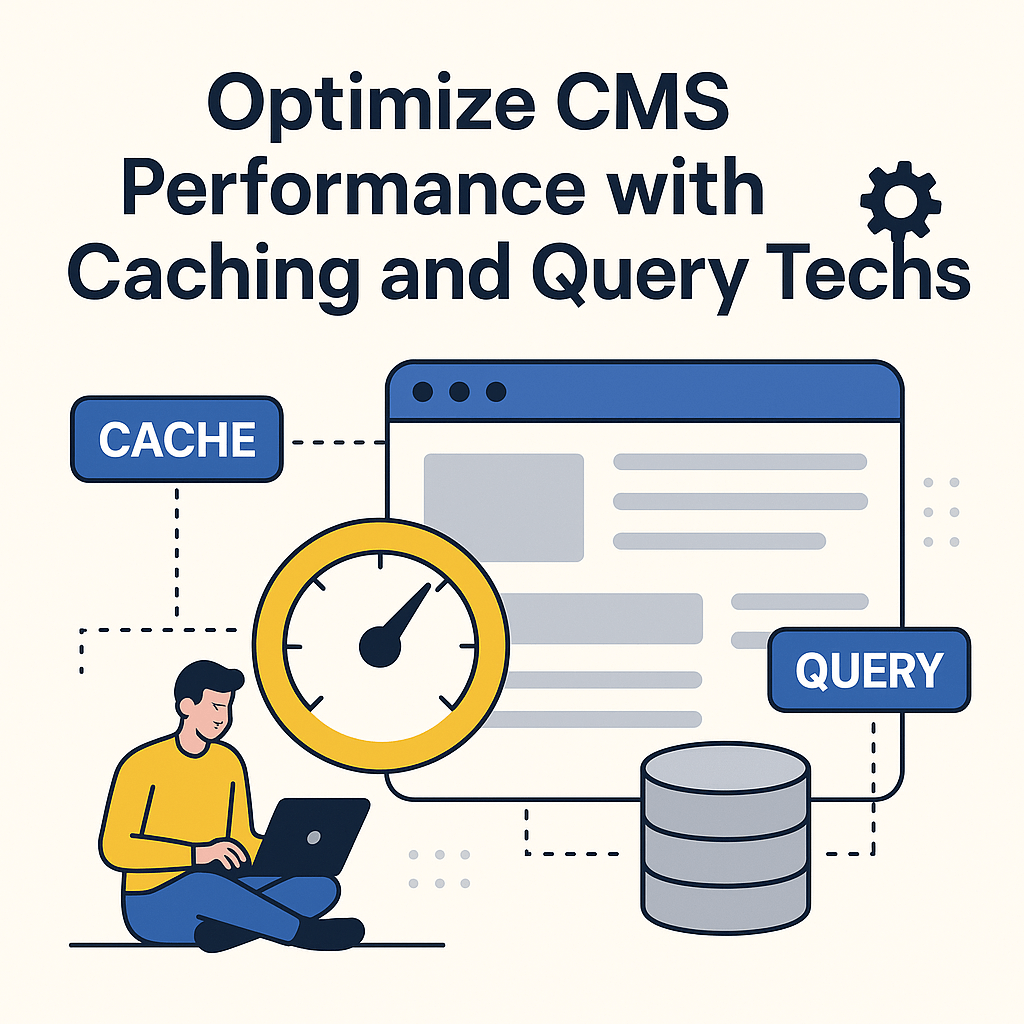
Introduction - Why CMS performance optimization?
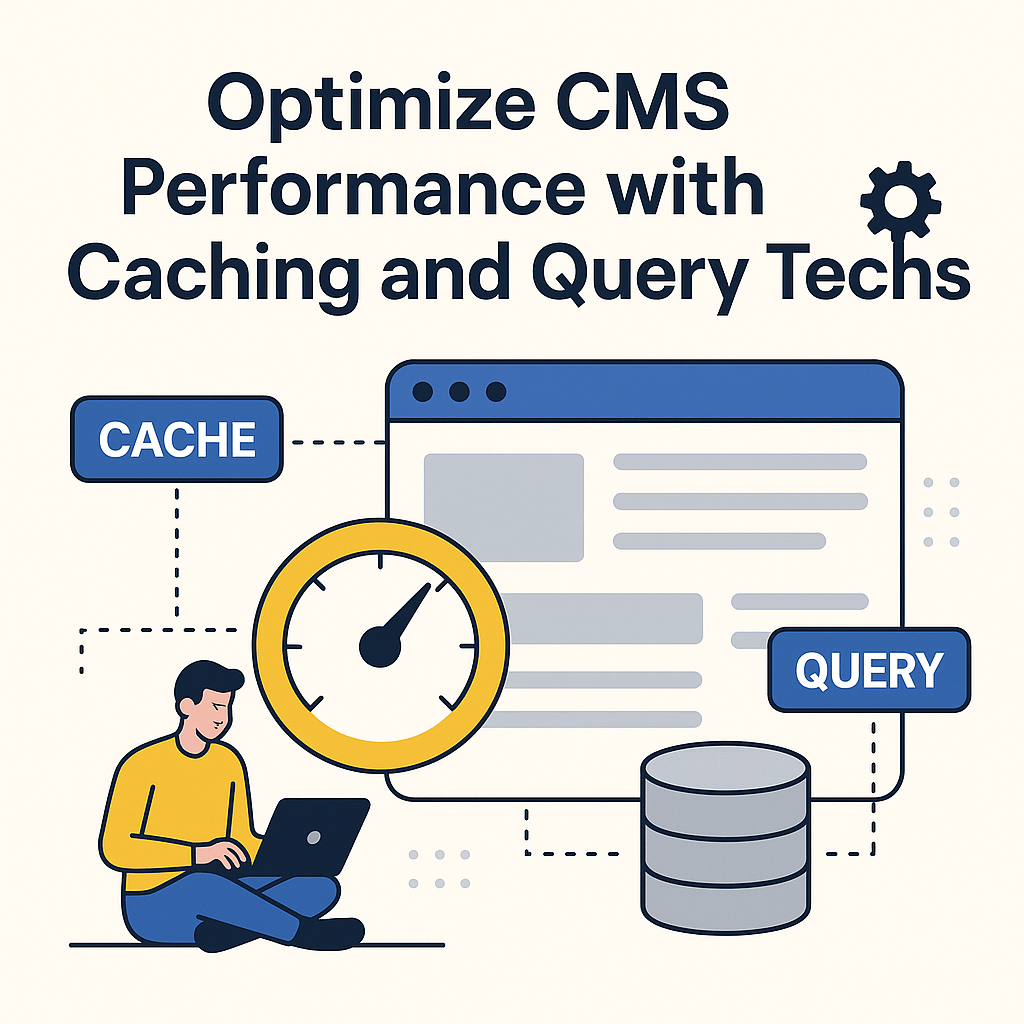
Maintaining a high-performing CMS (Content Management System) is crucial for any website. A poorly optimized CMS can become sluggish over time, making it difficult for users to access features efficiently. Slow performance often leads to user frustration and reduced engagement.
The good news is that optimizing your CMS for performance is achievable. Two common methods used are caching and query optimization. Caching stores content in memory, allowing quicker responses to user requests without retrieving data each time. Query optimization, on the other hand, enhances database speed and efficiency. Together, these techniques significantly improve CMS speed and performance.
This guide explains the fundamentals of caching and query optimization. You’ll learn how to implement these strategies and understand their limitations. We’ll also discuss how to test your performance improvements. By the end, you’ll know how to apply these techniques to get the best results from your CMS.
What is Caching?
Caching stores data temporarily for faster access, improving page loading speed and reducing server load. By saving content closer to the user, caching reduces the need to fetch the same data repeatedly from the server.
When a browser requests information from a server, it receives content like HTML, images, or scripts. Without caching, this process repeats every time the page loads. Caching allows this data to be stored in the browser or on the server, reducing the time it takes for the page to display.
There are two main caching types: client-side and server-side. Client-side caching stores data in the user’s browser, while server-side caching saves it on the server. Both are essential for speeding up CMS performance and reducing server strain.
Why Implement Caching for Your CMS?
Caching significantly boosts CMS performance. When a visitor requests a page, the CMS retrieves and assembles content from the database. This process can be time-consuming. Caching speeds it up by storing parts of the page, such as the header or footer, and eliminating redundant requests.
By serving cached pages, the server handles fewer requests, reducing its workload. This helps your website run smoothly, even during high traffic. The result is a faster site and a better user experience.
Visitors will spend less time waiting for pages to load, increasing engagement and conversion rates. In short, caching enhances speed, reduces server load, and improves overall user satisfaction—making it a critical strategy for optimizing your CMS.
Different Types of Caching for a CMS
There are three main types of caching commonly used with CMS platforms: browser caching, server-side caching, and CDN caching. Each method plays a key role in optimizing performance.
Browser Caching
Browser caching saves static content like images, stylesheets, and scripts in the user’s browser. This prevents repeated downloads of the same files, speeding up page load times. You can enable browser caching via your CMS or through the server’s .htaccess file.
Server-Side Caching
Server-side caching stores page data in the server’s memory or disk. This reduces database queries and speeds up response times. You can implement this using a cache plugin or technologies like Redis.
CDN Caching
Content Delivery Networks (CDNs) use global servers to cache your content. This delivers data from a server closer to the user, improving loading speed. CDNs can be configured manually or through services like Cloudflare or Akamai.
Each caching type has unique benefits. Testing and combining them helps you find the best strategy for your CMS.
How to Use Caching Techniques to Improve Performance
Implementing caching can greatly boost CMS performance. By storing data for quicker retrieval, your site loads faster—even under heavy traffic.
Caching works by saving information in memory instead of fetching it from the server every time. This reduces response time and server strain.
Popular caching methods include full-page and fragment caching. Full-page caching stores an entire HTML page, while fragment caching saves specific components.
To use caching effectively, identify which resources—like images or scripts—are used frequently and cache them. Also, ensure cached data updates regularly so users receive current information.
Be mindful of limitations. For example, full-page caching might not support dynamic content like forms or user-specific data. In these cases, a custom caching solution may be necessary.
With proper use, caching can reduce loading times and deliver a better user experience.
Caching Limitations to Be Aware Of
While caching offers many benefits, it also has limitations. One issue is that it doesn’t always support dynamic or personalized content. Cached content is delivered the same way to every user, which may not suit personalized websites.
Another problem is outdated cache data. If the cache isn’t refreshed regularly, users may receive old content. To prevent this, set appropriate expiration rules and clear outdated cache files.
Caching also consumes disk space. Websites with heavy traffic can accumulate many cached files, taking up storage. You can manage this by limiting the number of cached pages and deleting old files automatically.
Lastly, different caching methods vary in complexity. Some require technical expertise to implement correctly. Understand your chosen method’s setup requirements before proceeding.
What is Query Optimization?
Query optimization improves the speed and efficiency of database queries. It focuses on reducing query execution time, especially in large databases.
Efficient queries help websites load faster and improve user experience. Techniques include indexing, rewriting queries, and using stored procedures. Indexes make it faster to find specific data. Stored procedures allow prewritten SQL code to run quickly when needed.
Optimization also involves reducing joins and restructuring SQL statements. Use fewer resources to get the same results faster.
Always test your optimized queries before going live to ensure they work correctly and improve performance.
Techniques to Optimize Queries
Even with caching in place, inefficient queries can slow down your CMS. Query optimization focuses on writing SQL statements that run faster and use fewer resources.
Effective query optimization includes:
- Reducing processing time
- Applying necessary filters and conditions
- Using indexes to locate data faster
- Utilizing joins and subqueries efficiently
Use built-in database tools like query analyzers to assess performance. These tools reveal how your database processes queries and where improvements can be made. External tools can also help fine-tune your queries.
Applying Query Optimization Techniques to Your CMS
To apply query optimization, start by identifying slow-running queries. Use tools like EXPLAIN to see performance details and whether indexes are being used.
Next, make improvements. You might add indexes, simplify query logic, or use LIMIT clauses. Replace subqueries with joins when appropriate and always test the changes before deploying.
Regular monitoring is essential. Use tools like Percona Live Tuner to keep your queries optimized over time. This ensures your CMS continues to perform well as your data grows.
Combining Caching and Query Optimization Techniques
Combining caching and query optimization creates the best performance improvements. Caching speeds up content delivery, while query optimization ensures efficient database access.
Start by identifying which CMS areas need improvement. Focus on query optimization first by analyzing and rewriting slow queries. Then, implement caching for frequently accessed data.
Use memory caching for static assets like images and HTML. This reduces content generation time and server workload. Monitor performance changes to ensure your strategy is effective and doesn’t create conflicts.
Together, these techniques can dramatically reduce loading times and server strain.
Analyzing Results and Performance Tests
After applying caching and query optimization, it’s important to test performance. These tests show whether your changes improved the CMS speed and user experience.
Start by defining performance metrics, such as page load times, server response times, or query duration. Then, run tests and compare results with your pre-optimization baseline.
Use third-party tools to automate testing and generate detailed reports. Track how your CMS performs under different conditions and user loads. Watch for external factors, such as traffic spikes, that could affect results.
Consistent testing helps you understand what’s working and where further improvements are needed.
Conclusion – Summary and Final Thoughts
Optimizing CMS performance through caching and query optimization offers major benefits. Caching speeds up content delivery by storing data temporarily, while query optimization ensures efficient database access.
Using both techniques together creates the best results. Analyze your system, implement changes, and test performance regularly to maximize gains. The result is faster page loads, reduced server strain, and a better user experience overall.
Related Reading
- Performance Optimization In Pwas: Load Times, Resource Management, And Caching Strategies
- Building Blocks Of Progressive Web Apps: Service Workers, Web Manifests, And Caching
- Deep Dive Into Caching Strategies for Pwas: Cache Storage API, Cache Invalidation, and Versioning
Planning a Progressive Web App?
We've built PWAs with offline sync, push notifications, and native device integration — and we know the platform limits before they surprise you.
Architecture, implementation, and performance tuning.
Discuss your PWAA technical conversation, not a sales pitch.